

Solution
Manage your overtime easily with Shyfter.
Stop wasting time manually calculating your teams' extra hours. Shyfter automates tracking and compensatory rest, ensuring you always stay legally compliant.
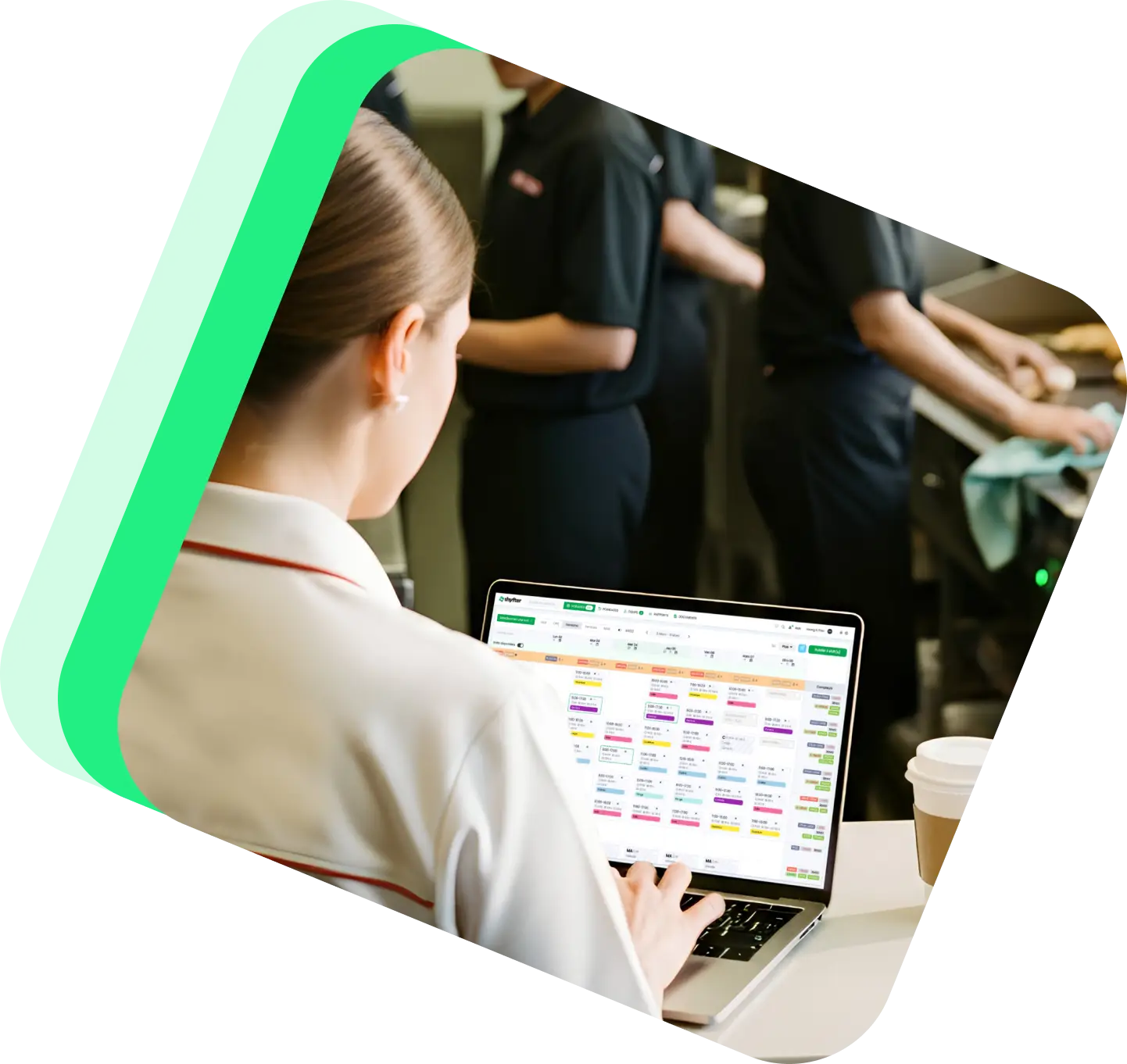
3,500+ companies and 400,000+ employees already use Shyfter













100% automated and transparent hour tracking
Simplify employee performance management with an intelligent system that centralizes every minute worked beyond the scheduled shift.

Automatic calculations
No more Excel files. Shyfter instantly calculates overtime at the end of each shift based on your specific labor regulations.

Flexibility by contract
Students, permanent staff, or extras: customize recovery rules according to each collaborator’s specific status.

Validation via clocking
Gain precision: overtime is generated directly through digital clocking, preventing any potential disputes.
Optimize your labor costs and compensatory rest
Shyfter allows you to keep a real-time eye on hour counters and anticipate recovery needs.

Clear overview of hour balances (payout or recovery)
Avoid unnecessary extra costs with threshold alerts
One-click direct export to your social secretariat / payroll provider
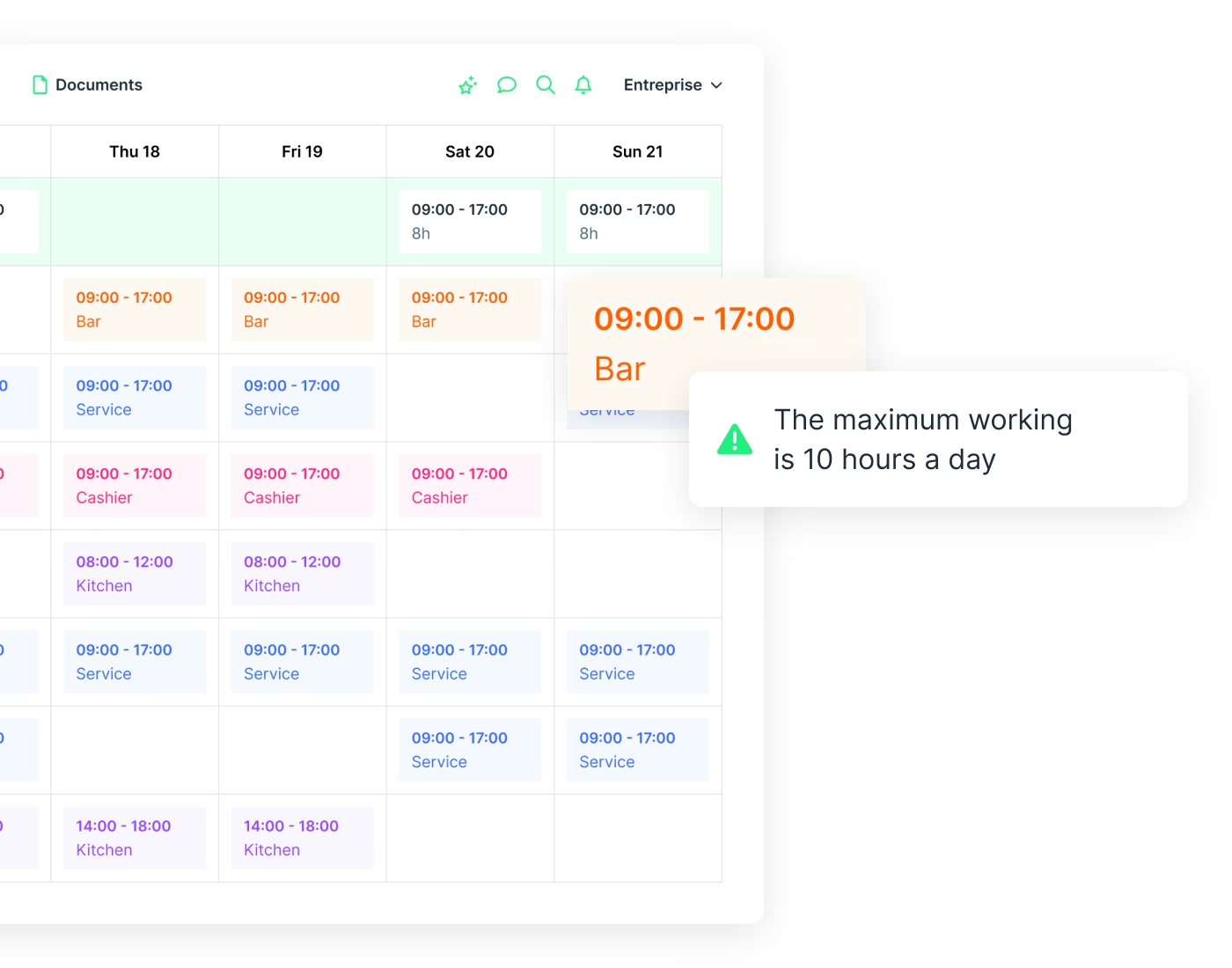
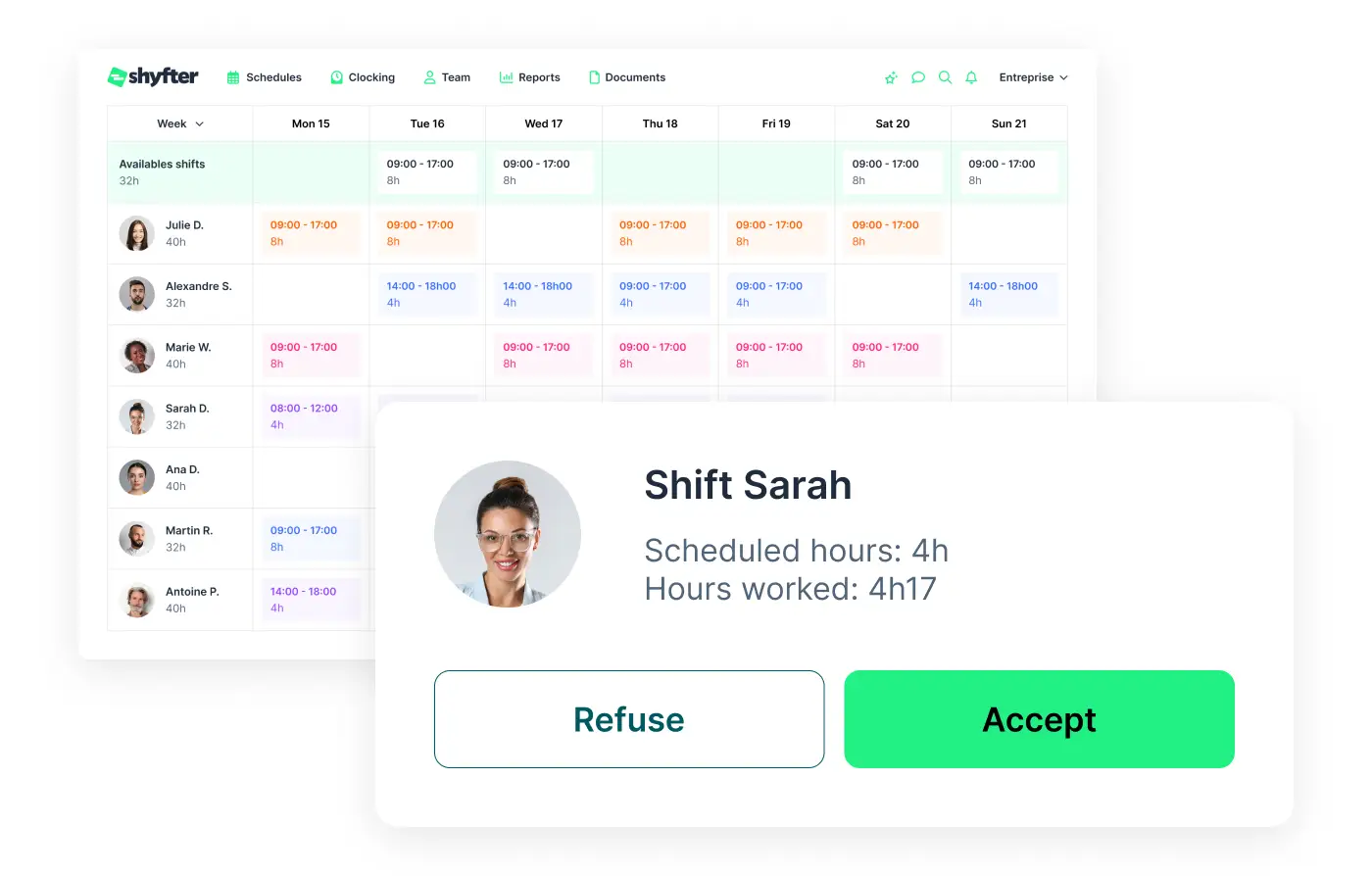
Automatic end-of-shift adjustments for perfect payroll
In addition to simplifying scheduling, Shyfter allows you to validate or correct actual hours worked immediately after the service.
Simple validation of extra hours by managers
Automatic updates of rest and recovery counters
Reliable data for long-term labor peace
Industries
A solution that adapts to your industry
A workforce management solution designed to adapt to your industry's needs. Manage your teams, schedules, and legal obligations with ease.

They use Shyfter every day
Real-world examples of businesses managing their teams more easily.

.jpeg)
At SOON, Shyfter is part of our daily fuel
Opening in the spring of 2026 on Avenue Louise, SOON quickly established itself as Brussels' new daily fuel station.


FLIPPER's: The Recipe for a Busy Schedule
Basile and Julien tell us how Shyfter helps them manage their team day-to-day and stay focused on what matters: the quality of the food.

.jpeg)
Panam Kebab keeps its schedules spinning like its rotisseries
Sébastien, founder of Panam Kebab, explains how Shyfter helps him manage his team daily and focus on what truly matters: quality on the plate.

.jpeg)
Le Volle Gas goes all out with Shyfter
Ludovic Chevalier, one of the two partners at Nonante Folies, tells us how Shyfter has simplified their lives when it comes to team management in their restaurants.


“BaraBar”, the reference
Miguel Carvalho has been using Shyfter for some time now and tells us about its features and how he uses Shyfter on a daily basis.


WIK Karting Sets Up Schedules at Full Speed
Marie Mignolet, Events Manager and Assistant Director at WIK, explains how Shyfter has made their scheduling process smoother and more efficient.
Your questions, answered
Find quick answers to the most common questions.
How does the tool help centralize hours worked?
Shyfter automatically merges scheduled hours with actual clocked hours. This gives you a consolidated and clear view of your business activity on a single interface.
Can we set tolerance thresholds for minor delays?
Yes. You can configure the tool so that a few extra minutes (e.g., 5 min to finish cleaning up) aren't counted as overtime, avoiding unnecessary micro-adjustments.
How does the tool manage time off in lieu (compensatory rest)?
Shyfter automatically feeds a "recovery counter" for each employee. When a team member takes recovery leave, the balance updates itself directly in the schedule.
What happens if an employee works on a Sunday or a public holiday?
The tool automatically recognizes specific days. It applies the calculation rules unique to those dates so that hour counters accurately reflect special shifts.
Can overtime details be exported to third-party software?
Yes, Shyfter allows you to export all performance data to Excel or directly to your payroll provider, clearly separating base hours from overtime.

Ready to transform your workforce management?
Shyfter is more than a scheduling tool. It's a complete workforce management solution designed to save you time.