

Solution
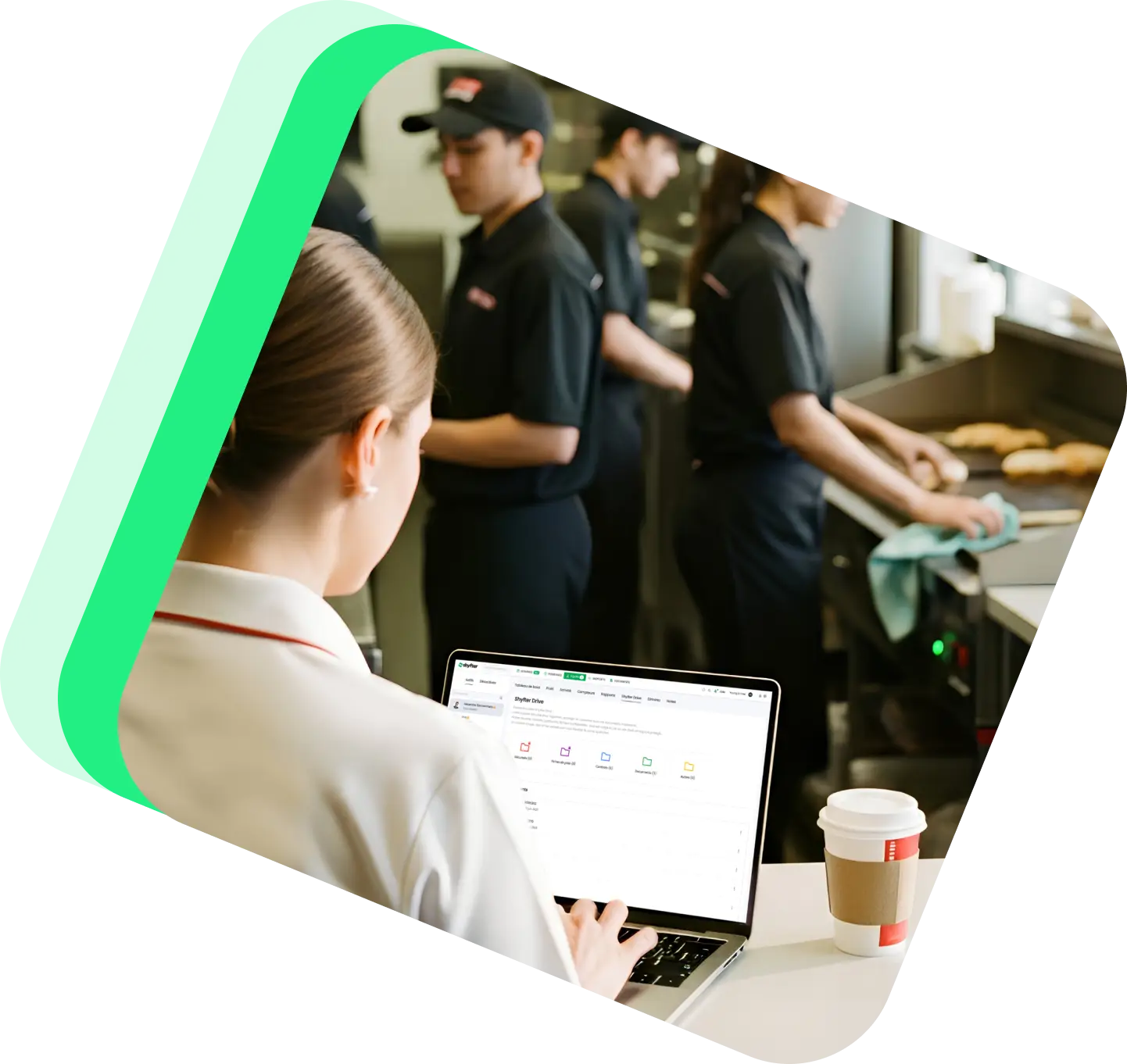
All your team documents, centralized with Shyfter Drive.
Shyfter Drive is your single space to store, manage, and easily find all your employee documents.
3,500+ companies and 400,000+ employees already use Shyfter



The benefits of Shyfter Drive for your documents
Centralize all your HR documents to save time, reduce errors, and secure your data.

Full centralization
All your employee documents gathered in a single space.

Individual employee folders
Each employee has their own document space.

Secure access
Control access and protect your sensitive documents.
Manage all your files in a few clicks
Shyfter Drive lets you store and share all types of documents easily, directly within the platform.

Upload photos, PDFs, and administrative documents
Pay slip distribution
Centralized and fully secure storage
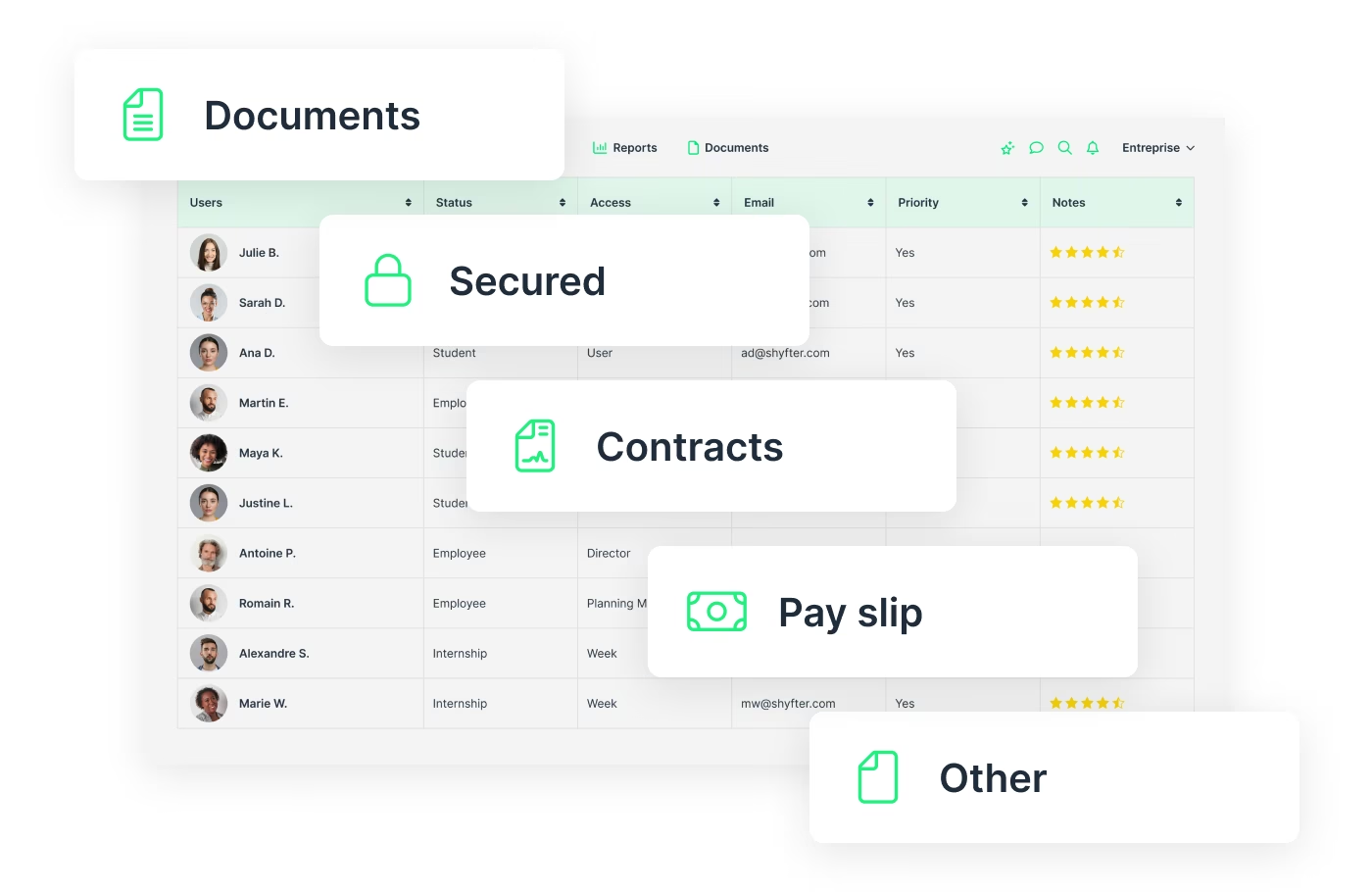
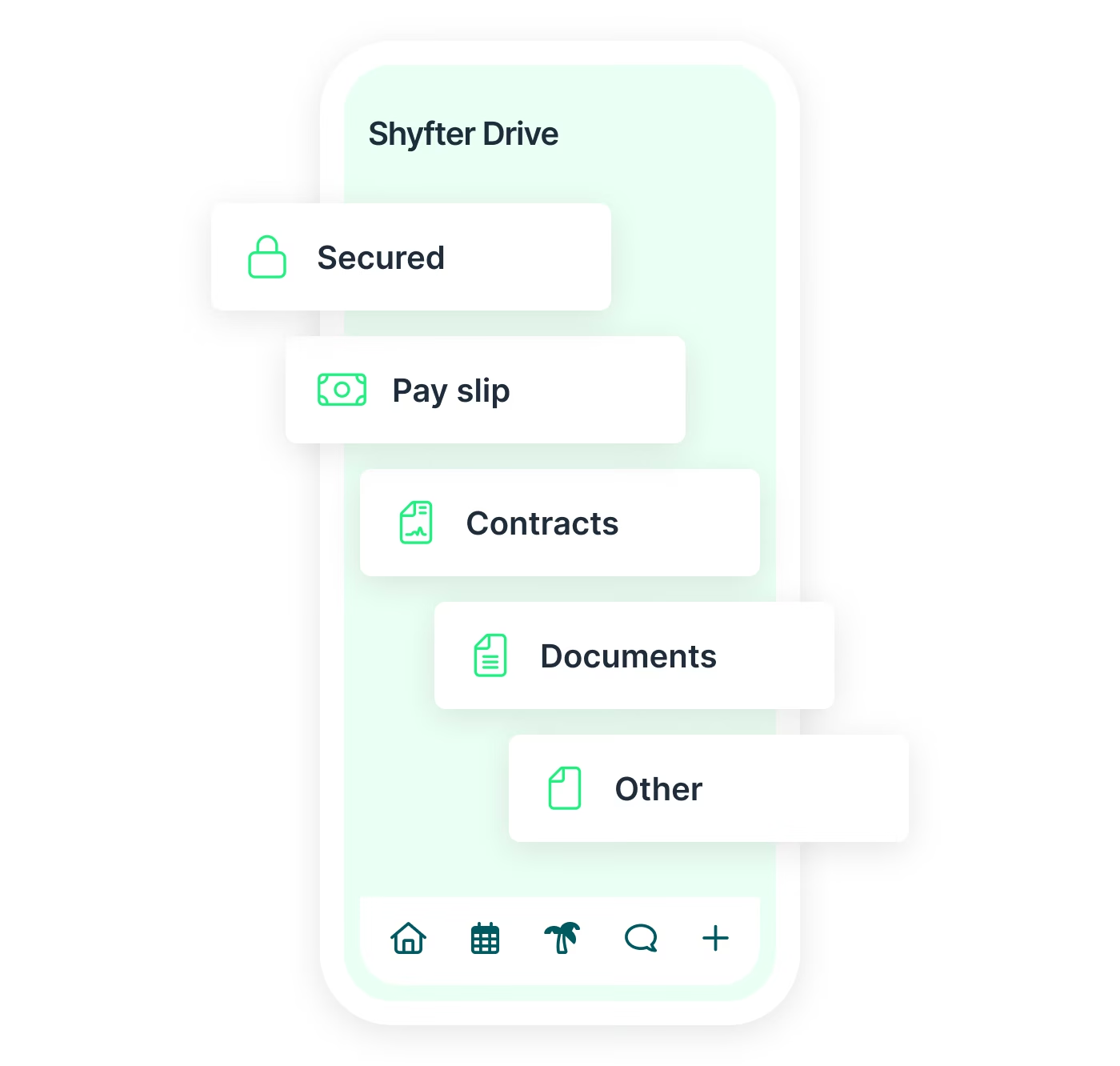
Documents always accessible, 24/7
Access all your professional documents directly from Shyfter Drive, available in the Shyfter Staff app.
Contracts, pay slips, and centralized documents
100% secure mobile access, GDPR compliant
No more manual sending
Industries
A solution that adapts to your industry
A workforce management solution designed to adapt to your industry's needs. Manage your teams, schedules, and legal obligations with ease.

They use Shyfter every day
Real-world examples of businesses managing their teams more easily.

.jpeg)
At SOON, Shyfter is part of our daily fuel
Opening in the spring of 2026 on Avenue Louise, SOON quickly established itself as Brussels' new daily fuel station.


FLIPPER's: The Recipe for a Busy Schedule
Basile and Julien tell us how Shyfter helps them manage their team day-to-day and stay focused on what matters: the quality of the food.

.jpeg)
Panam Kebab keeps its schedules spinning like its rotisseries
Sébastien, founder of Panam Kebab, explains how Shyfter helps him manage his team daily and focus on what truly matters: quality on the plate.

.jpeg)
Le Volle Gas goes all out with Shyfter
Ludovic Chevalier, one of the two partners at Nonante Folies, tells us how Shyfter has simplified their lives when it comes to team management in their restaurants.

“BaraBar”, the reference
Miguel Carvalho has been using Shyfter for some time now and tells us about its features and how he uses Shyfter on a daily basis.

WIK Karting Sets Up Schedules at Full Speed
Marie Mignolet, Events Manager and Assistant Director at WIK, explains how Shyfter has made their scheduling process smoother and more efficient.
Your questions, answered
Find quick answers to the most common questions.
What types of documents can I store in Shyfter Drive?
Shyfter Drive lets you store and centralize your HR and administrative documents, such as employment contracts, amendments, pay slips, supporting documents, internal policies, or personnel-related files. All files are linked to employee records for structured document management.
Who can access documents in Shyfter Drive?
Document access is defined by user roles and permissions. Only authorized individuals, such as HR managers or team leaders, can view or manage documents, ensuring confidentiality of sensitive data.
Is Shyfter Drive secure and GDPR compliant?
Yes. Shyfter Drive meets security standards and GDPR requirements. Data is protected and accessible only based on the permissions configured in your account.
Can I send documents to a specific employee?
Absolutely. You can share a document with a specific employee or a specific group, allowing targeted and structured communication.
Does Shyfter Drive make it easy to find a document?
Yes. Documents are centralized and organized in the HR software, making it easy to search and quickly access files linked to an employee or a specific category.

Ready to transform your workforce management?
Shyfter is more than a scheduling tool. It's a complete workforce management solution designed to save you time.