

Solution
A time clock that fits the way you work.
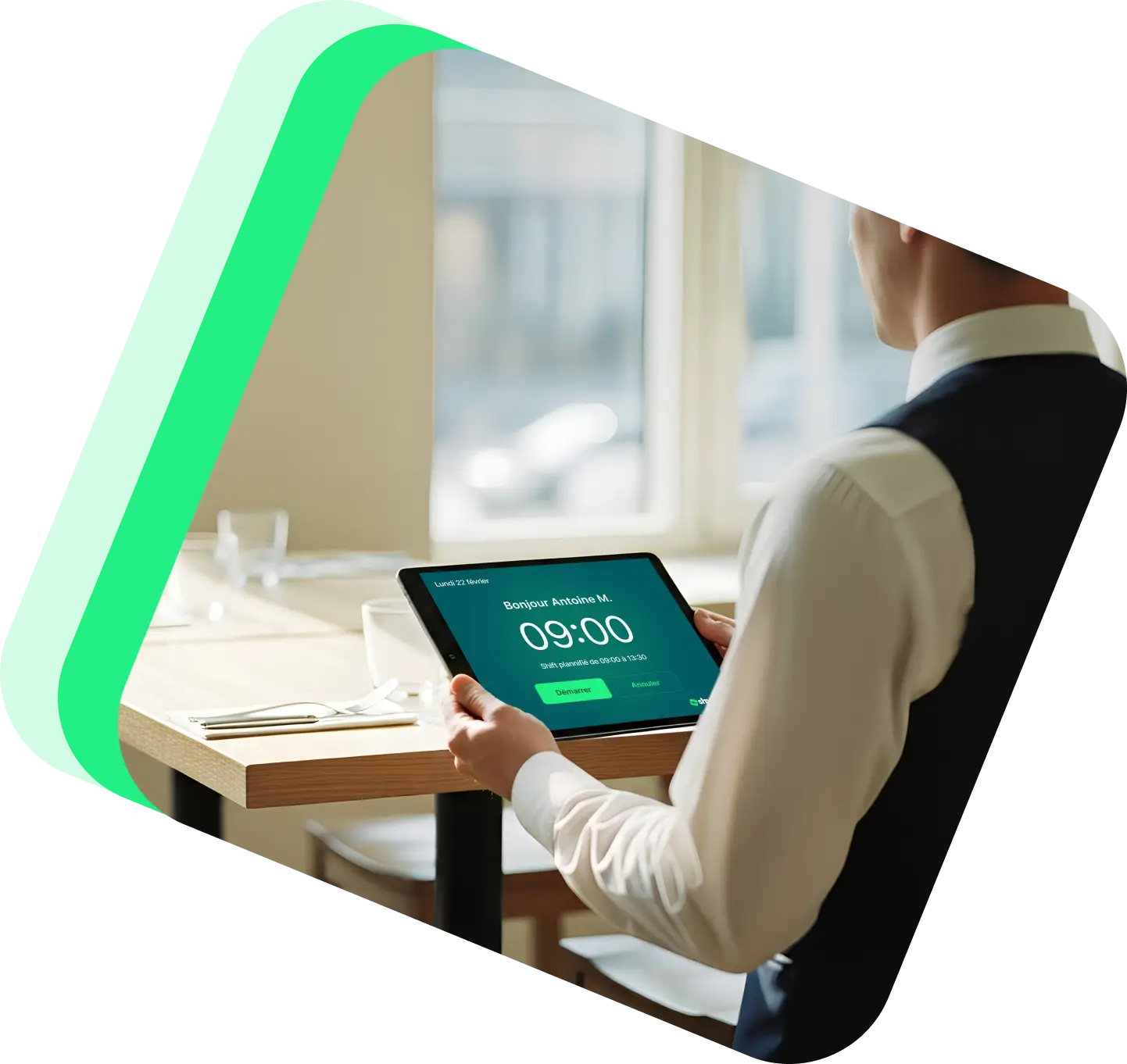
Go digital with our tablet-based time clock. Shyfter records working hours accurately and centralizes data for reliable, compliant tracking.
3,500+ companies and 400,000+ employees already use Shyfter













The benefits of a reliable digital time clock
A time clock built for field teams, easy to use and reliable every day.

Tablet-based time clock
Turn any tablet into a Shyfter time clock, with no complex setup or special hardware.

Remote work ready
Allow remote employees to clock in from home, with rules set by the employer.

Photo capture at clock-in
Strengthen time tracking reliability with random or mandatory photo capture at clock-in.
A time clock integrated with your schedule
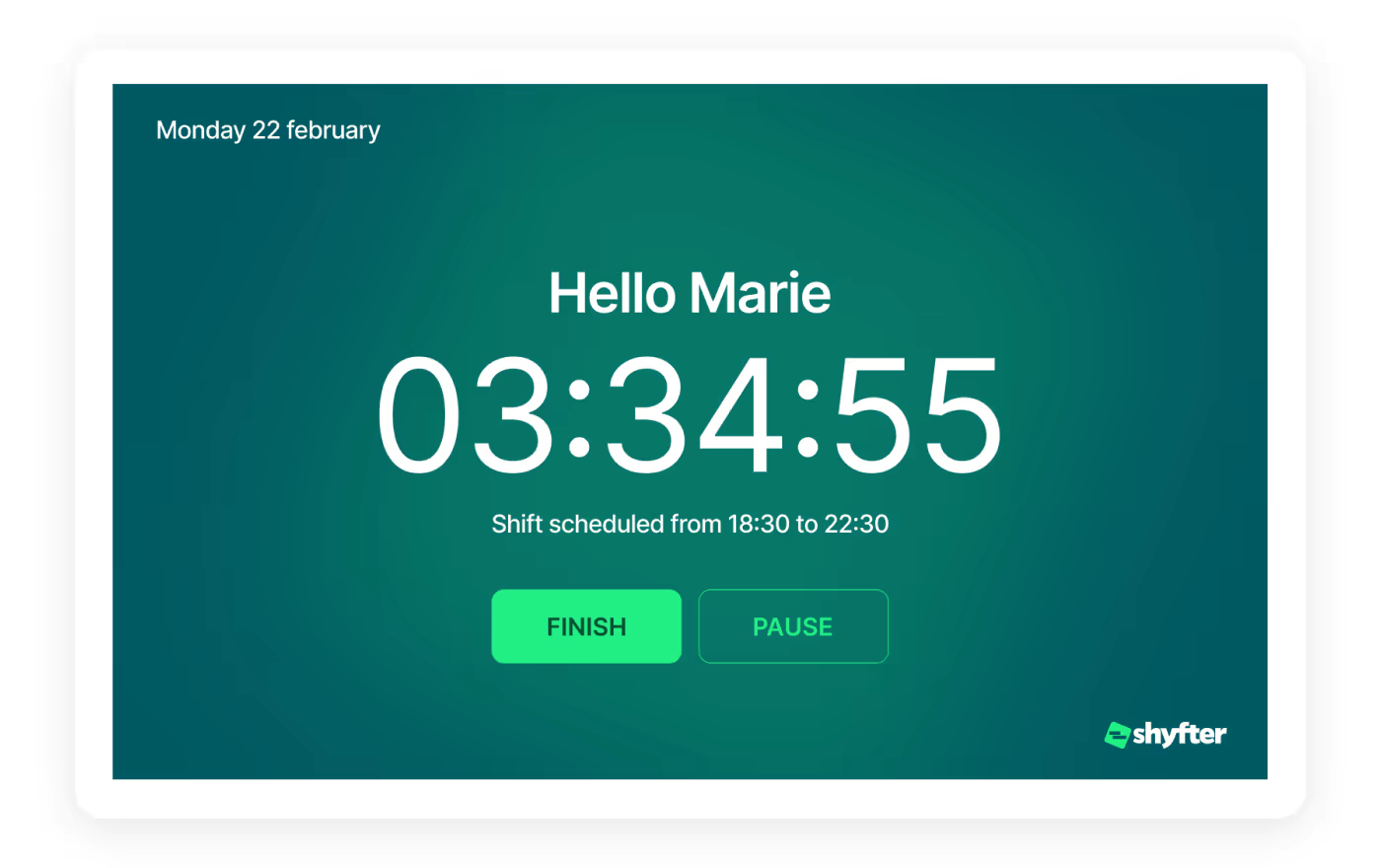
Each clock-in is linked to the right shift and the right employee, for consistent and reliable data.

Reliable data for tracking and payroll
Clock-ins automatically linked to planned shifts
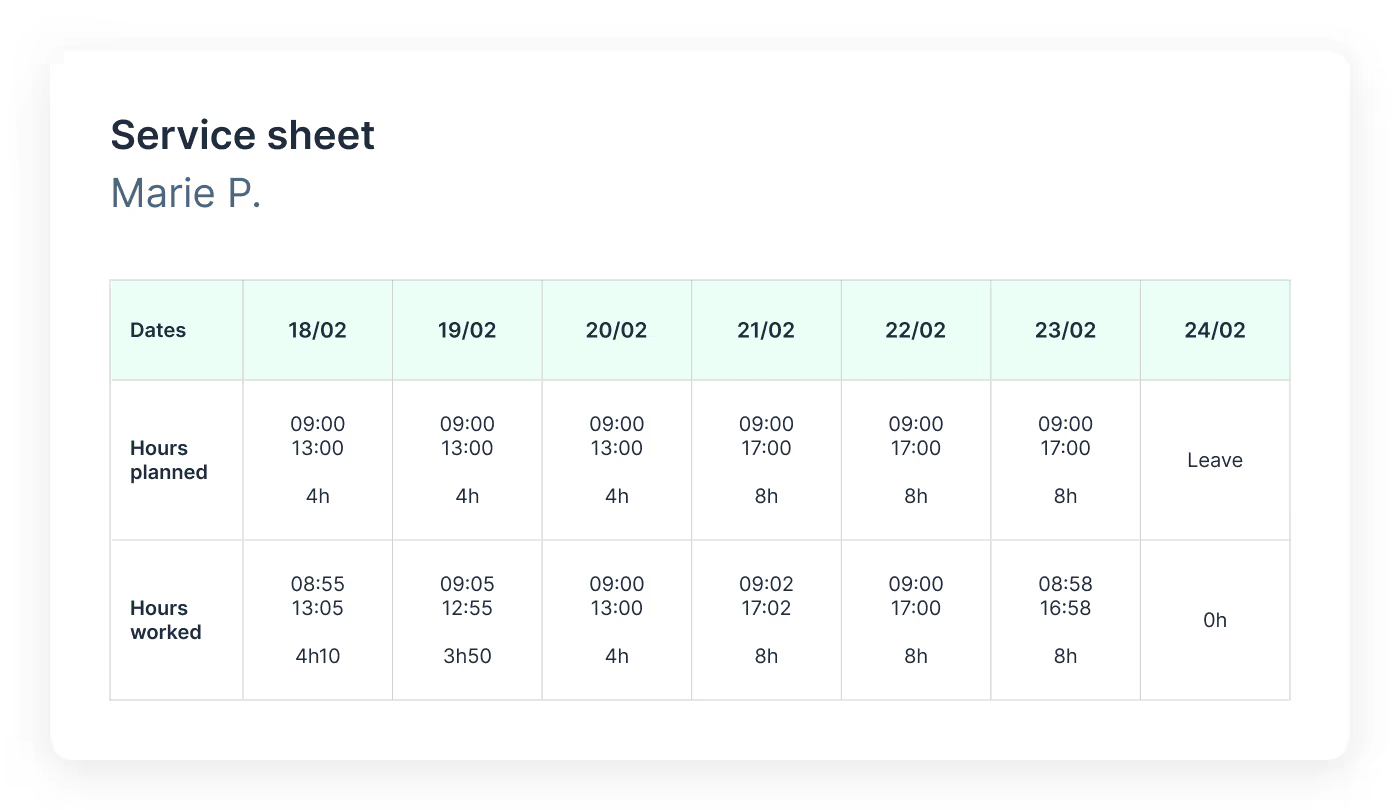
Planned vs. actual hours comparison
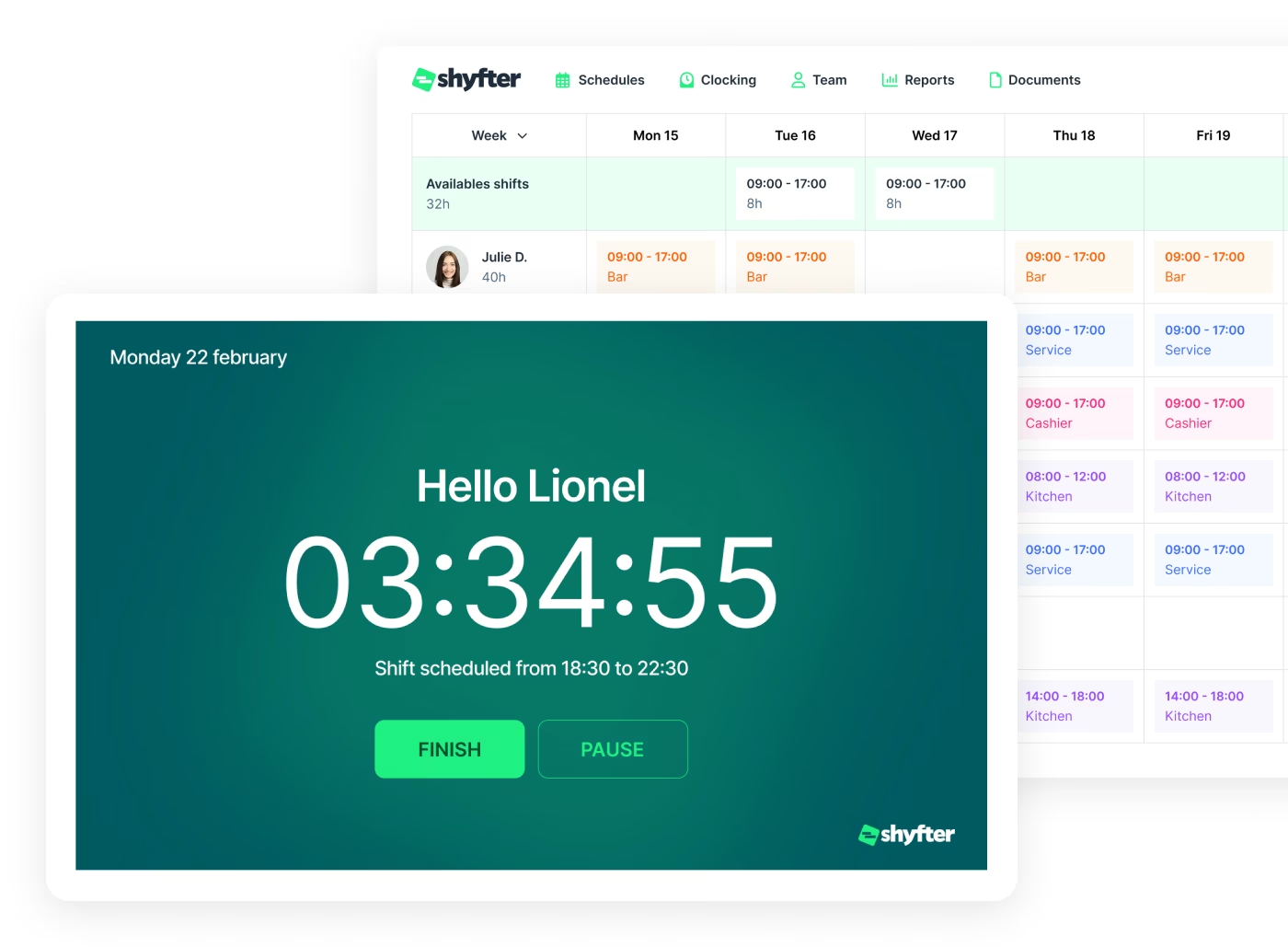
Photo capture to strengthen clock-in reliability
Photo capture can be activated randomly or systematically at clock-in.
The right clock-in, by the right person
Dress code verification
More reliable clocking, GDPR-compliant
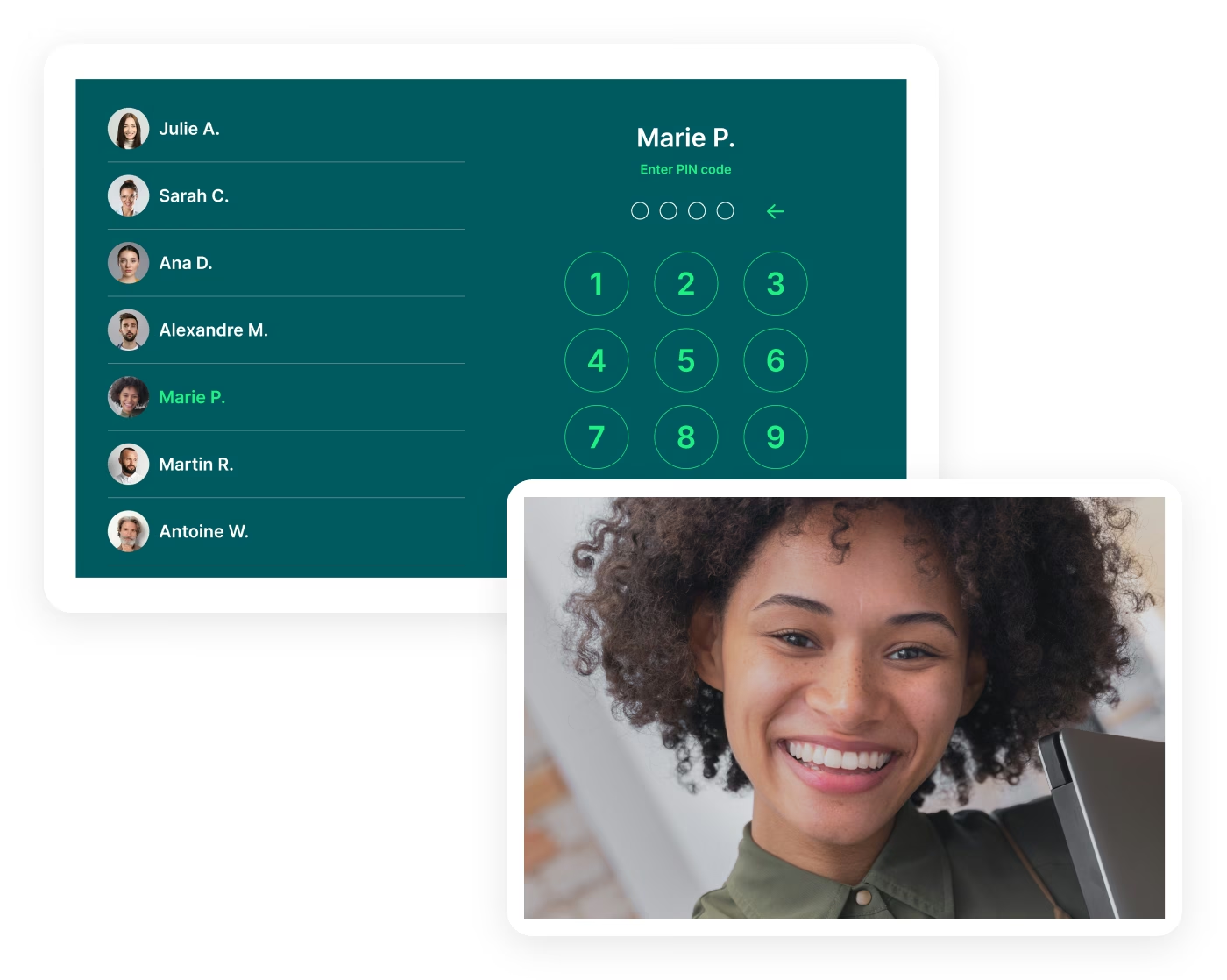
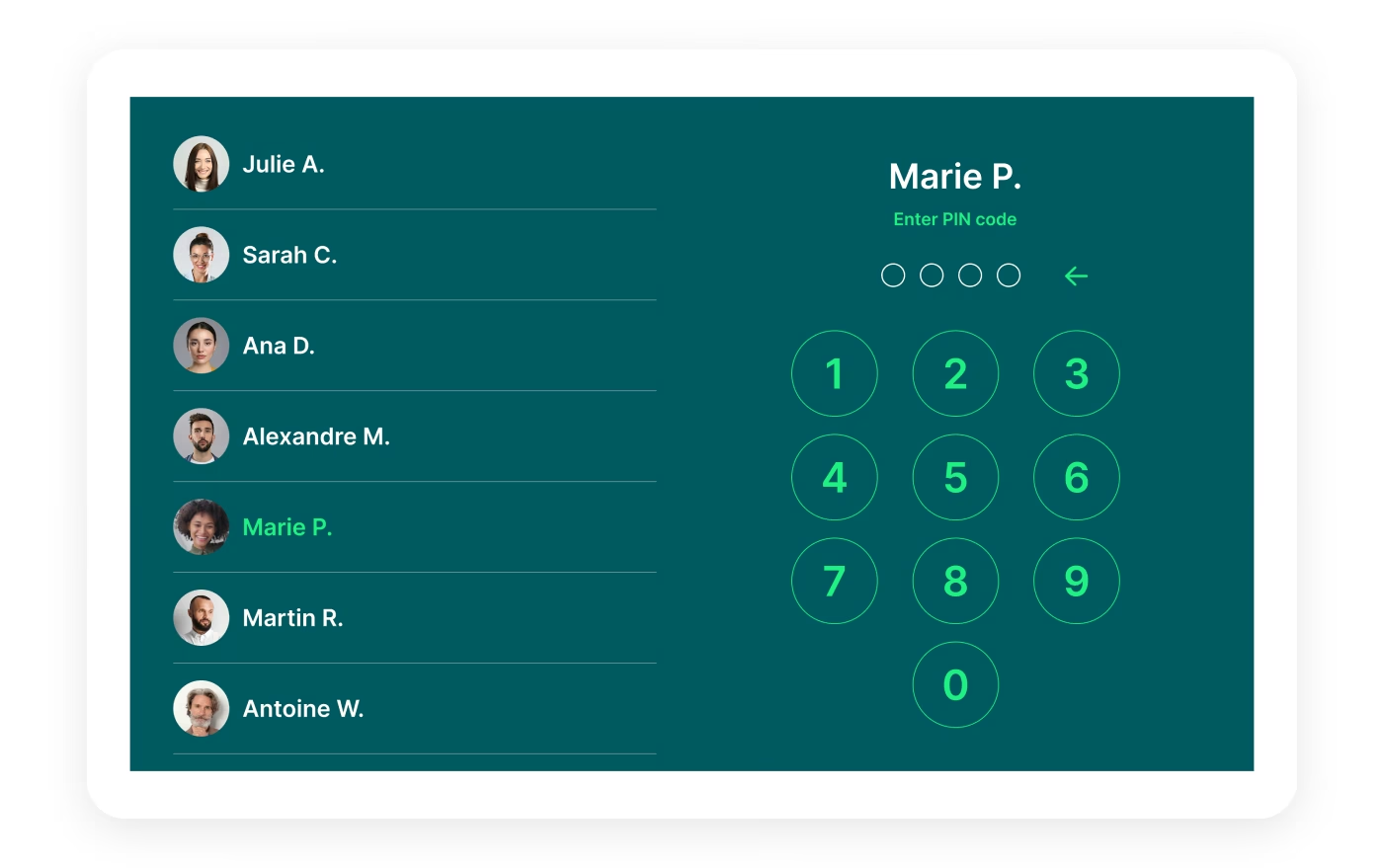
Secure, personal access for every employee
Industries
A solution that adapts to your industry
A workforce management solution built to fit your industry's needs. Manage your teams, schedules, and legal obligations with ease.

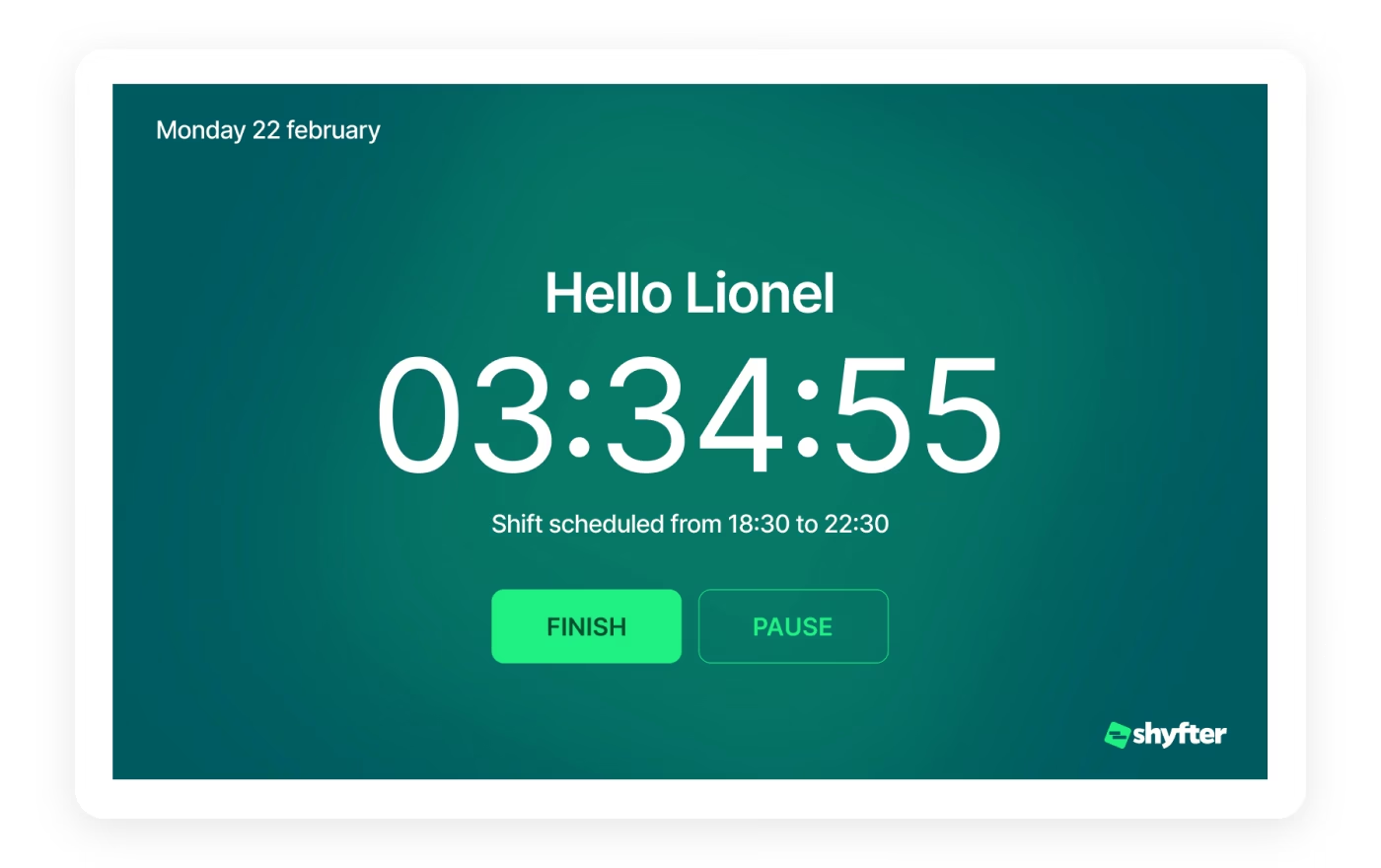
Clear clock-in status, visible in real time
As soon as an employee starts or stops clocking, the information is updated instantly.
Clock-in status visible immediately
Real-time attendance tracking
Better responsiveness when something unexpected happens
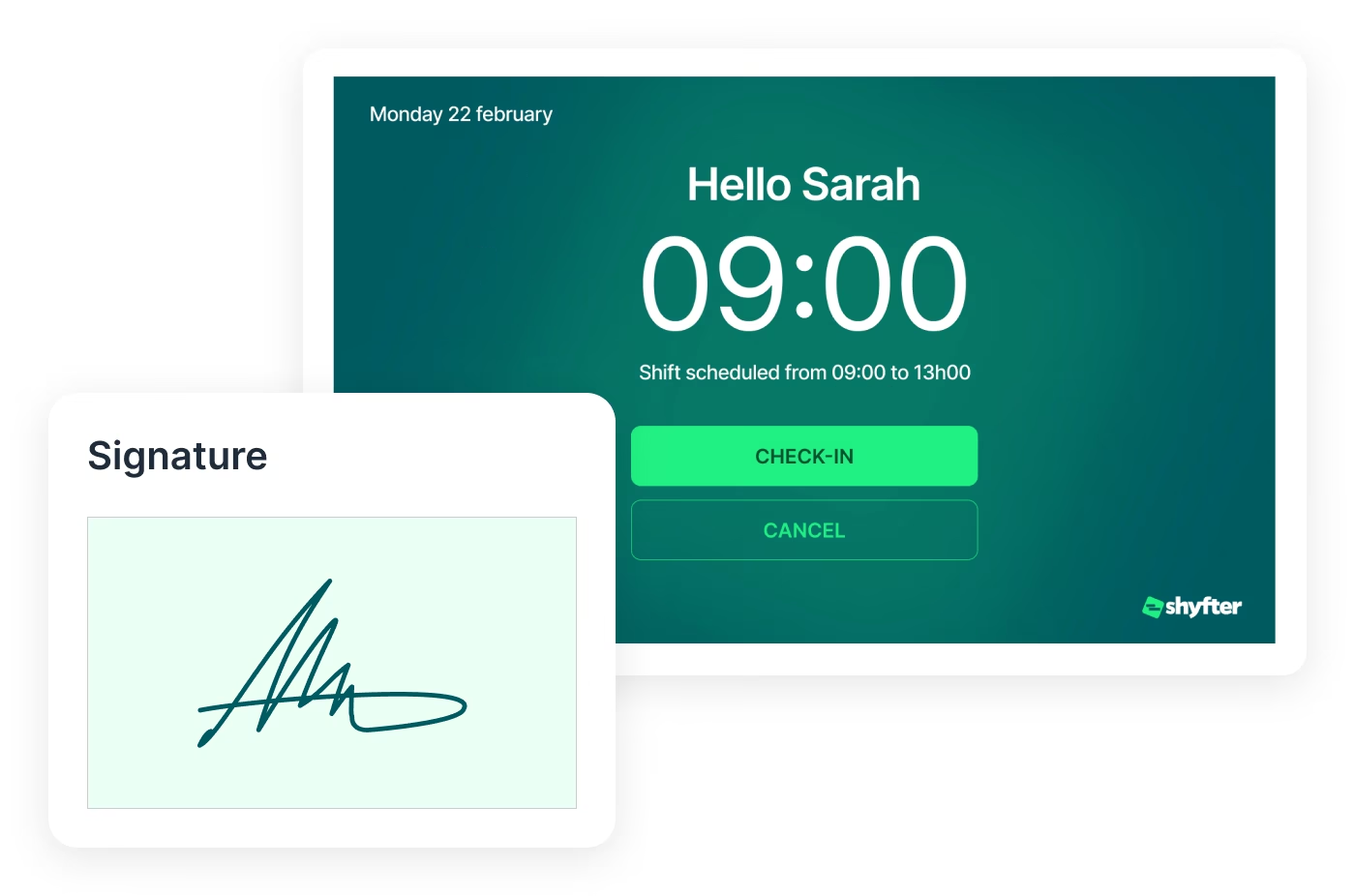
Sign your contracts instantly at clock-in
Let your employees sign their employment contract directly on the tablet when clocking in.
Secure electronic signature
Compliance with local regulations
Every employee is compliant before their shift
They use Shyfter every day
Real examples of companies managing their teams more simply.

.jpeg)
At SOON, Shyfter is part of our daily fuel
Opening in the spring of 2026 on Avenue Louise, SOON quickly established itself as Brussels' new daily fuel station.


FLIPPER's: The Recipe for a Busy Schedule
Basile and Julien tell us how Shyfter helps them manage their team day-to-day and stay focused on what matters: the quality of the food.

.jpeg)
Panam Kebab keeps its schedules spinning like its rotisseries
Sébastien, founder of Panam Kebab, explains how Shyfter helps him manage his team daily and focus on what truly matters: quality on the plate.

.jpeg)
Le Volle Gas goes all out with Shyfter
Ludovic Chevalier, one of the two partners at Nonante Folies, tells us how Shyfter has simplified their lives when it comes to team management in their restaurants.

“BaraBar”, the reference
Miguel Carvalho has been using Shyfter for some time now and tells us about its features and how he uses Shyfter on a daily basis.

WIK Karting Sets Up Schedules at Full Speed
Marie Mignolet, Events Manager and Assistant Director at WIK, explains how Shyfter has made their scheduling process smoother and more efficient.
Your questions, answered
Find quick answers to the most common questions.
Does the time clock work for remote employees?
Yes. The Shyfter time clock can be used remotely via online clocking from a smartphone or computer, depending on settings defined by the company.
You can enable specific rules like geolocation or limit clocking to certain authorized locations. This allows tracking remote work hours while keeping control.
You can enable specific rules like geolocation or limit clocking to certain authorized locations. This allows tracking remote work hours while keeping control.
What happens if someone forgets or makes a clocking error?
If someone forgets or makes a clocking error, a manager can correct the hours from the admin interface. Each modification is logged to ensure traceability.
This guarantees reliable tracking of worked hours and prevents payroll errors.
This guarantees reliable tracking of worked hours and prevents payroll errors.
Is Shyfter's time clock compliant with legal obligations?
Shyfter is built to help companies comply with legal requirements for time tracking. The software keeps a history of worked hours, breaks, and modifications, making audits and compliance easier.
The responsibility for compliance with labor law remains with the employer.
The responsibility for compliance with labor law remains with the employer.
Does the Shyfter time clock work offline?
Yes. Clocking data is recorded even without an internet connection. This ensures continuity of time tracking.
Can employees use a shared time clock?
Yes. Multiple employees can use a shared tablet-based time clock. Each person identifies themselves with a personal PIN code, ensuring accurate and secure hour tracking.

Ready to transform your workforce management?
Shyfter is more than a scheduling tool. It's a complete workforce management solution designed to save you time.