

Solution
Simple, reliable work hour tracking software.
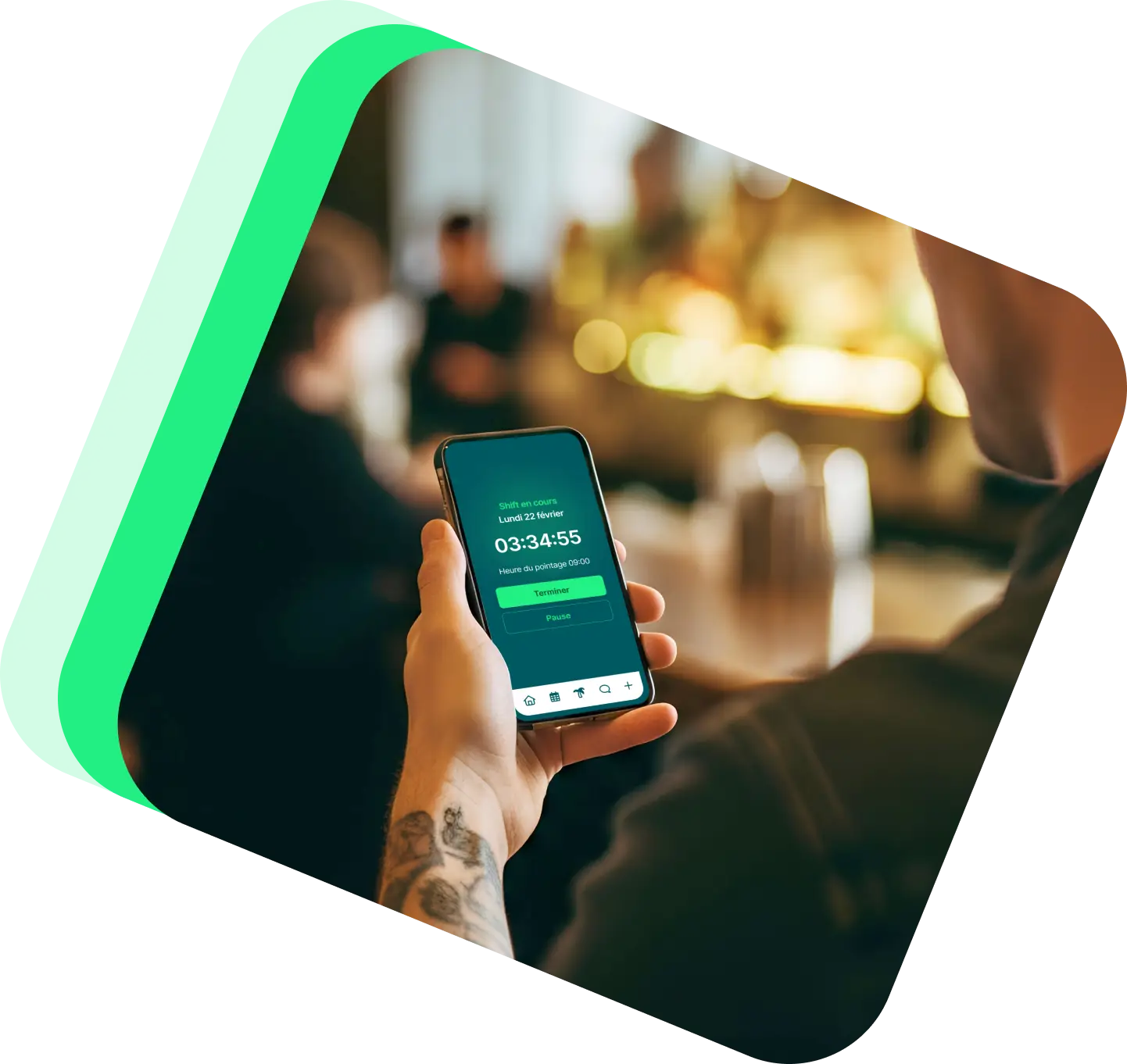
Track your teams' worked hours accurately with our intuitive time clock, accessible on mobile, tablet, computer, and via QR code.
3,500+ companies and 400,000+ employees already use Shyfter













The benefits of time tracking without re-entry
A time tracking tool built to save time, reduce errors, and provide a clear view of worked hours.

Centralized worked hours
All clocked hours are automatically recorded and grouped for reliable, consistent time tracking.

Fewer errors, more peace of mind
No more forgotten entries and manual corrections: Shyfter's time tracking secures your working time data.

More reliable payroll
Clocked hours are automatically sent to payroll, eliminating errors and manual corrections.
Accurate time tracking, on all your devices
Track your teams' worked hours, recorded from the device of your choice.

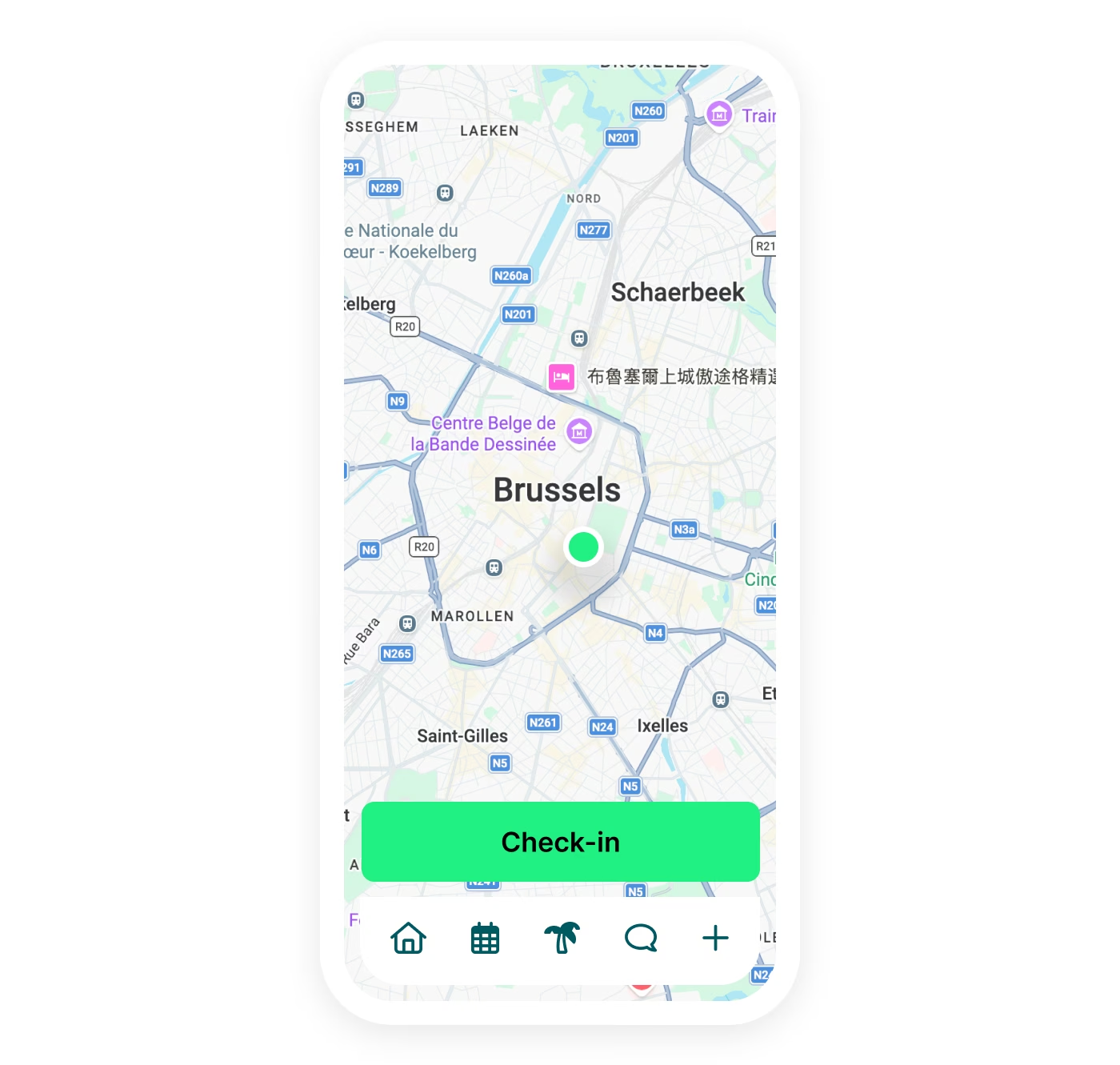
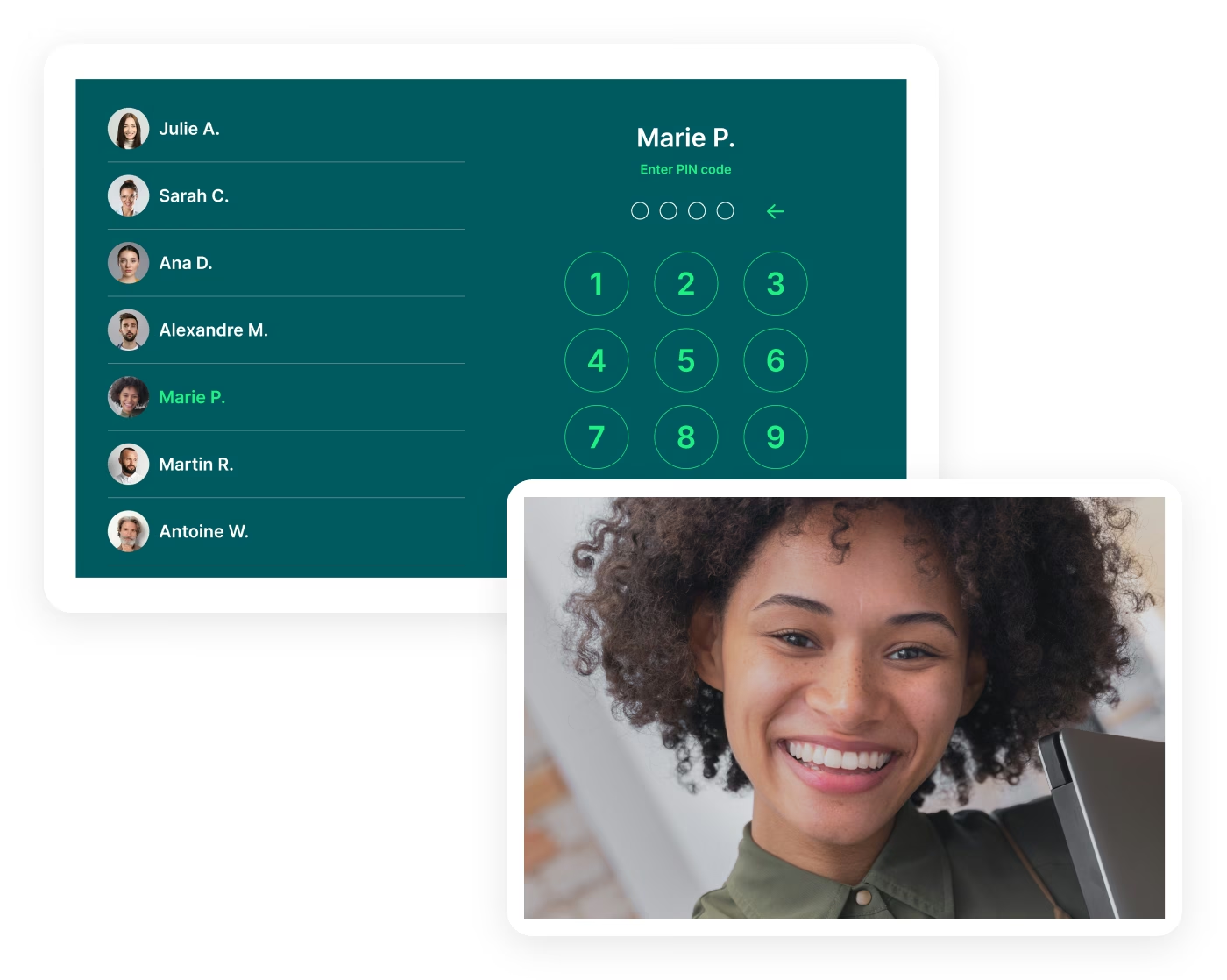
Clock in on tablet, smartphone, and via QR code
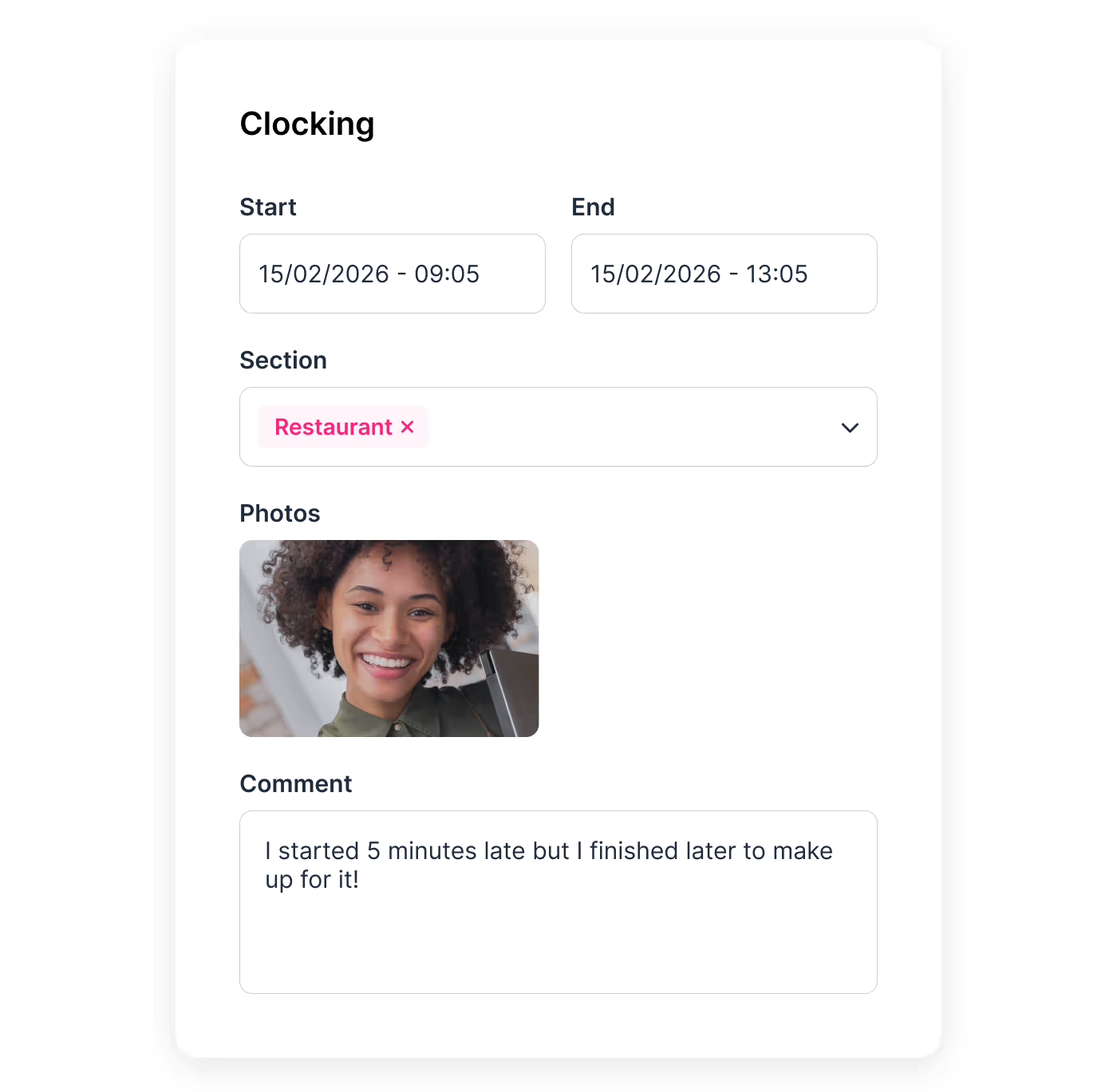
Worked hours recorded in real time
Planned vs. actual hours comparison
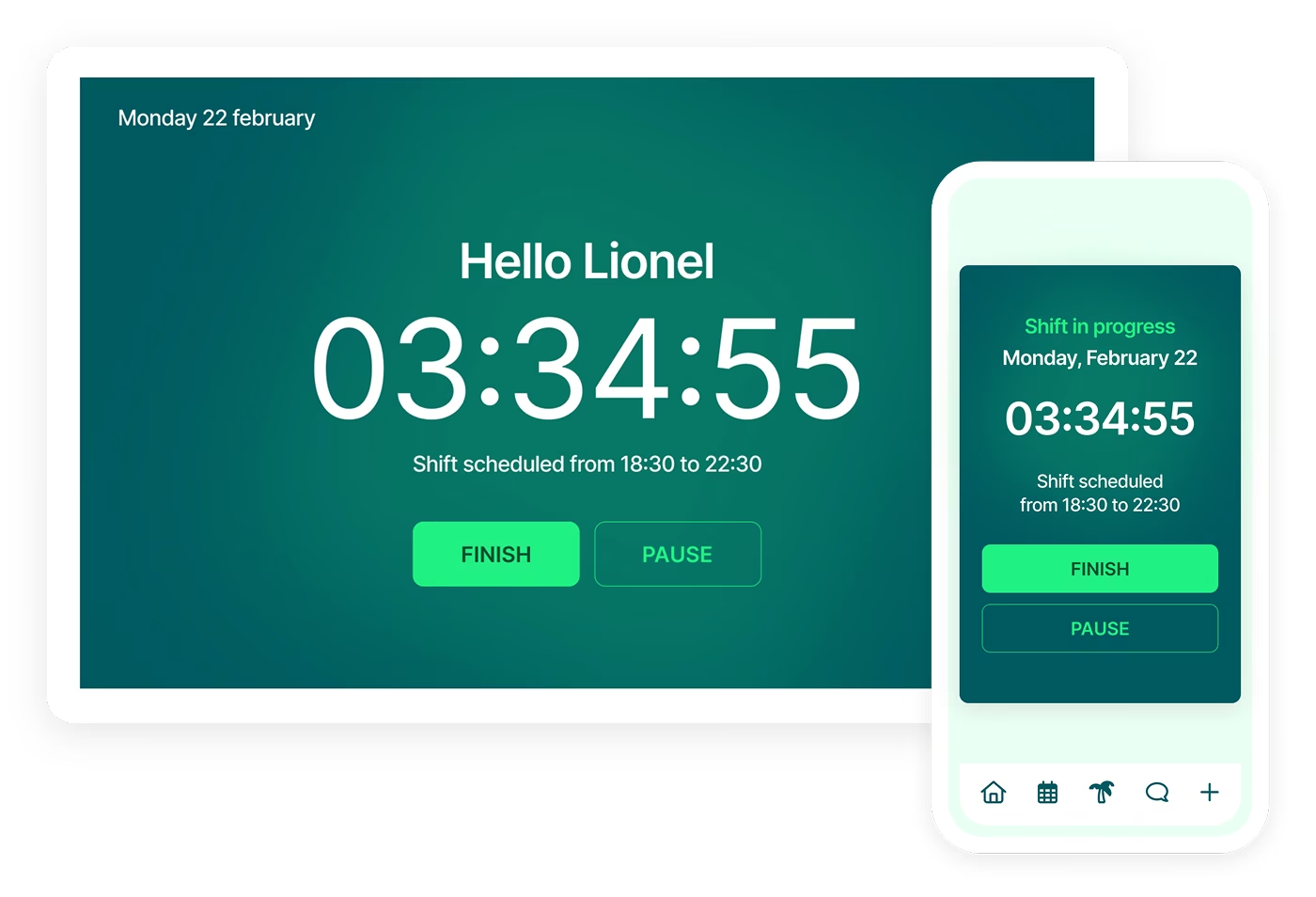


A simple app to record and track your teams' time
Everything is clear, accessible, and up to date, for frictionless daily clocking.
Quick clocking from the app
Employees clock their start and end times, as well as breaks, directly on mobile.
Fewer missed entries, more reliability
Mobile clocking reduces missed entries and improves the reliability of recorded hours.
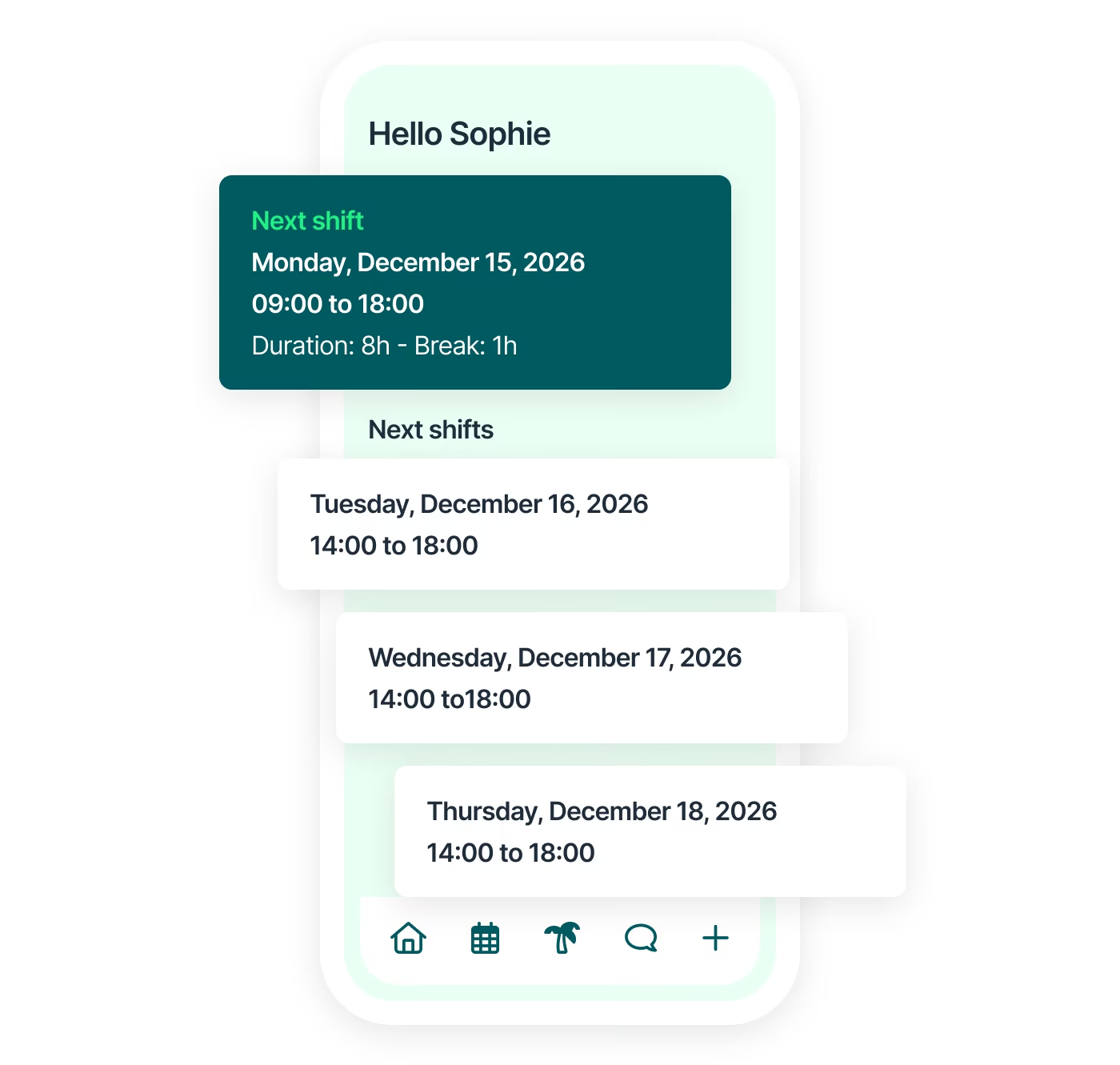
Clear view of upcoming shifts
Each employee can easily check their upcoming shifts and planned schedules.
Autonomy for teams
Employees access their information without having to go through a manager.
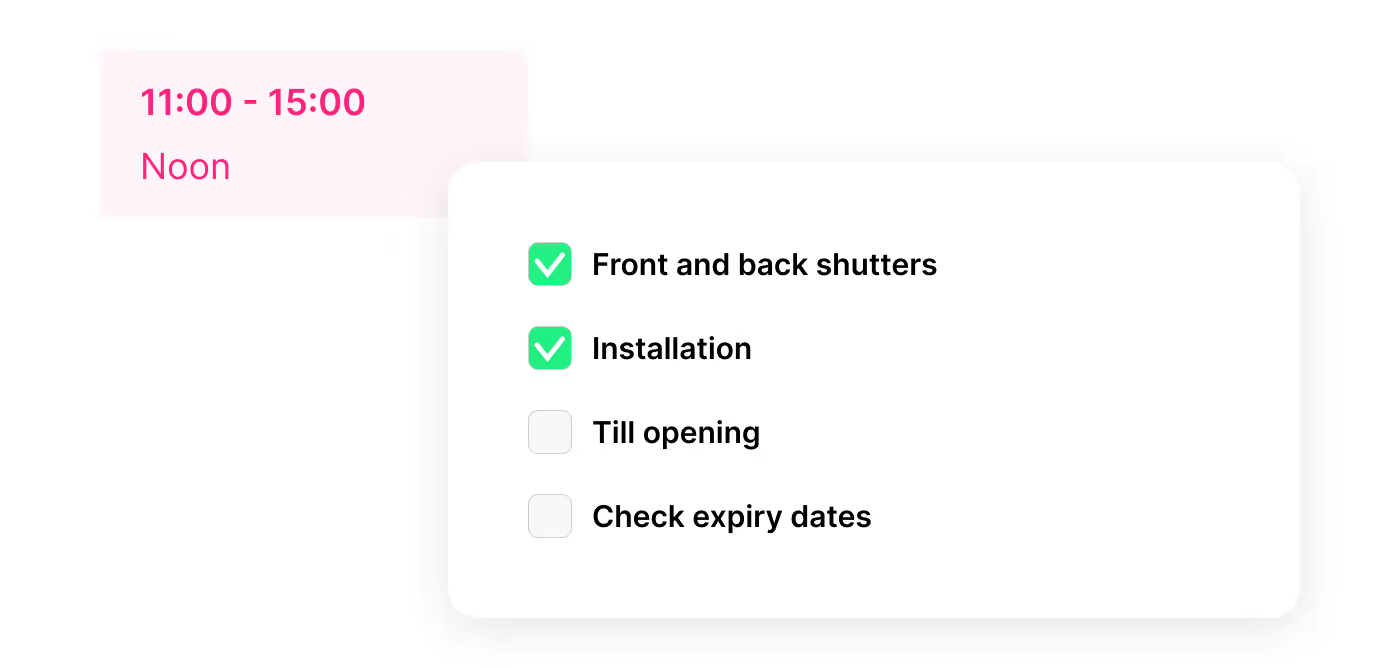
Checklists built into your shifts, simple and effective
Ideal for on-site teams, Shyfter's checklists make sure every shift task gets done, tracked and verified.
Reusable templates for opening, closing, cleaning or hygiene checks (HACCP)
Checkboxes, number readings, text or photo as proof, with mandatory tasks
Real-time completion tracking: who did what, and when
Accurate clocking, anywhere, anytime
Industries
A solution that adapts to your industry
A workforce management solution built to fit your industry's needs. Manage your teams, schedules, and legal obligations with ease.

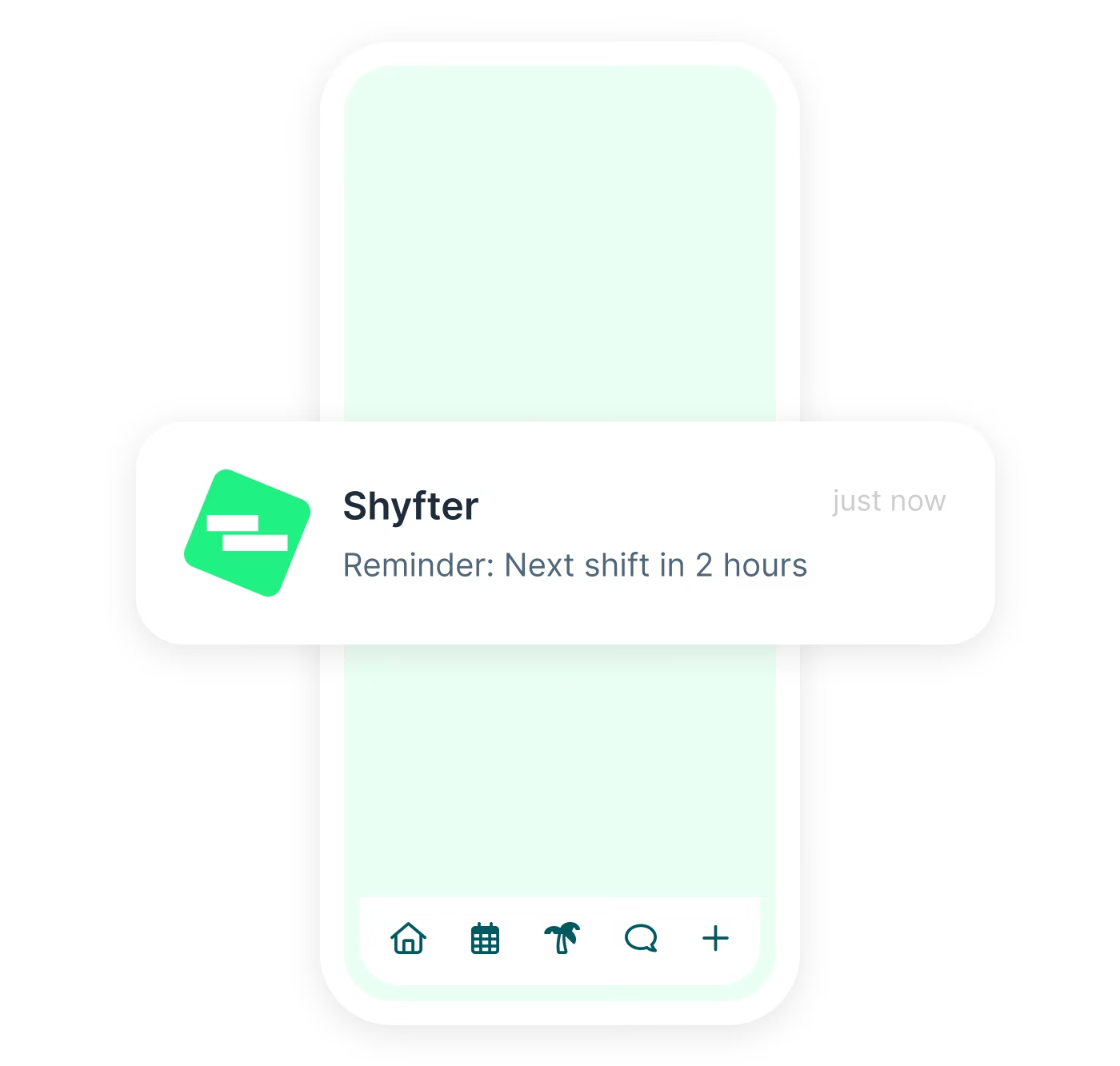
Schedule-guided clocking
Shyfter sends reminders before each shift starts. Your employees will never forget to be on time.
Automatic reminders before the shift
Flexible notification settings
Manager notified in case of lateness
They use Shyfter every day
Real examples of companies managing their teams more simply.

.jpeg)
At SOON, Shyfter is part of our daily fuel
Opening in the spring of 2026 on Avenue Louise, SOON quickly established itself as Brussels' new daily fuel station.


FLIPPER's: The Recipe for a Busy Schedule
Basile and Julien tell us how Shyfter helps them manage their team day-to-day and stay focused on what matters: the quality of the food.

.jpeg)
Panam Kebab keeps its schedules spinning like its rotisseries
Sébastien, founder of Panam Kebab, explains how Shyfter helps him manage his team daily and focus on what truly matters: quality on the plate.

.jpeg)
Le Volle Gas goes all out with Shyfter
Ludovic Chevalier, one of the two partners at Nonante Folies, tells us how Shyfter has simplified their lives when it comes to team management in their restaurants.


“BaraBar”, the reference
Miguel Carvalho has been using Shyfter for some time now and tells us about its features and how he uses Shyfter on a daily basis.

WIK Karting Sets Up Schedules at Full Speed
Marie Mignolet, Events Manager and Assistant Director at WIK, explains how Shyfter has made their scheduling process smoother and more efficient.
Your questions, answered
Find quick answers to the most common questions.
How does the Shyfter time clock work on a tablet?
The Shyfter tablet time clock lets employees record their arrival, departure, and break times directly from a device installed on site. Data is automatically synced with the time management software and linked to the staff schedule. This makes it easy to compare planned hours with actual worked hours.
Is geolocation mandatory for clocking?
No, geolocation is not mandatory. It can be enabled or disabled based on your needs. When active, it verifies that clocking is done from an authorized location, which is useful for mobile teams or multi-site companies.
Can clocked hours be used directly for payroll?
Yes. Clocked hours are centralized in Shyfter and can be exported for payroll preparation. The software simplifies the calculation of worked hours, breaks, and overtime, reducing administrative errors.
Shyfter also integrates with leading payroll providers, allowing automatic syncing of work records and payroll preparation.
Shyfter also integrates with leading payroll providers, allowing automatic syncing of work records and payroll preparation.
Does clocking work without an internet connection?
Yes. This ensures continuity of time tracking.
Can a clocking error be corrected?
Yes. Managers can correct a clocking error from the admin interface.

Ready to transform your workforce management?
Shyfter is more than a scheduling tool. It's a complete workforce management solution designed to save you time.